The cheapest assistant you'll ever hire.
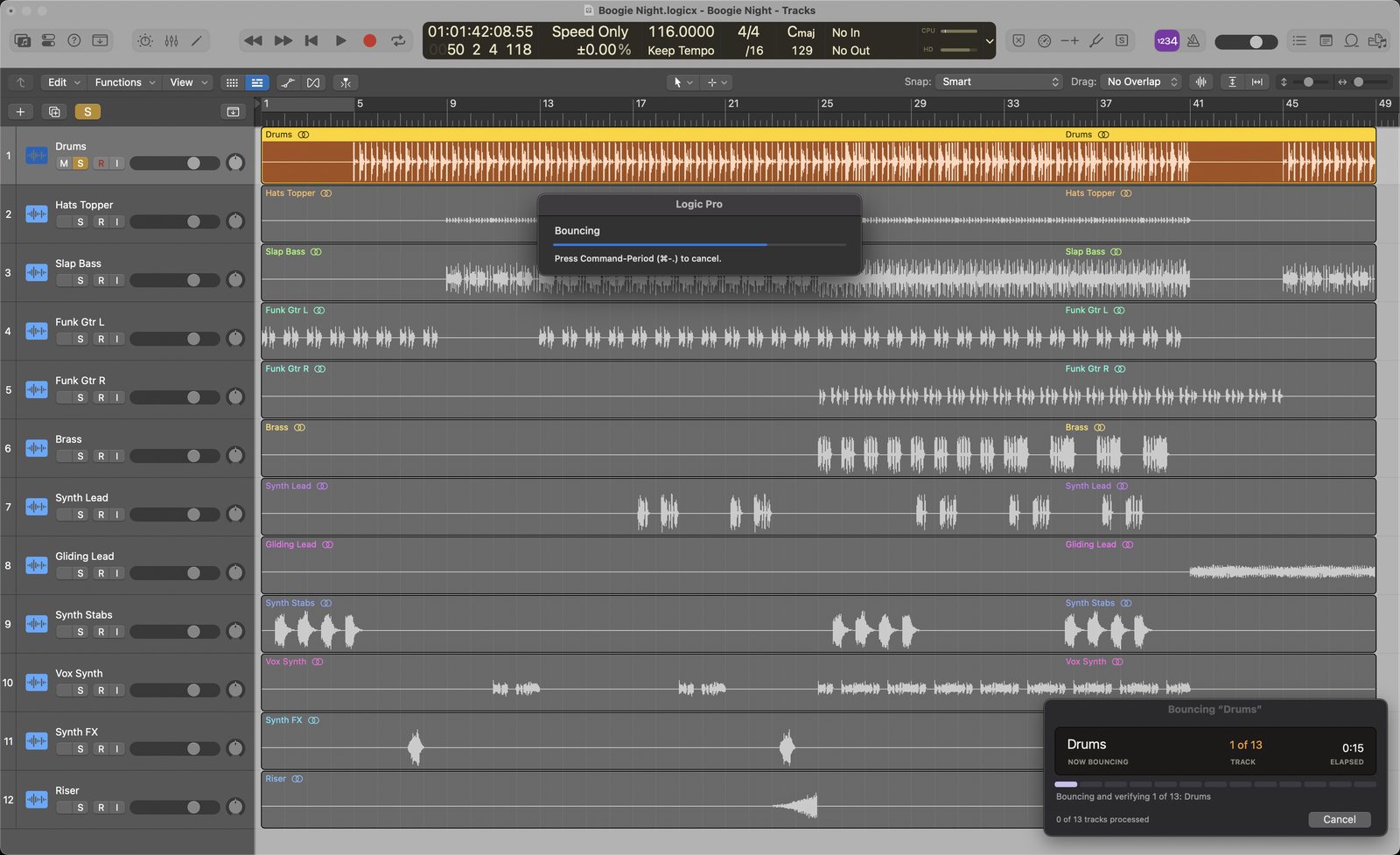
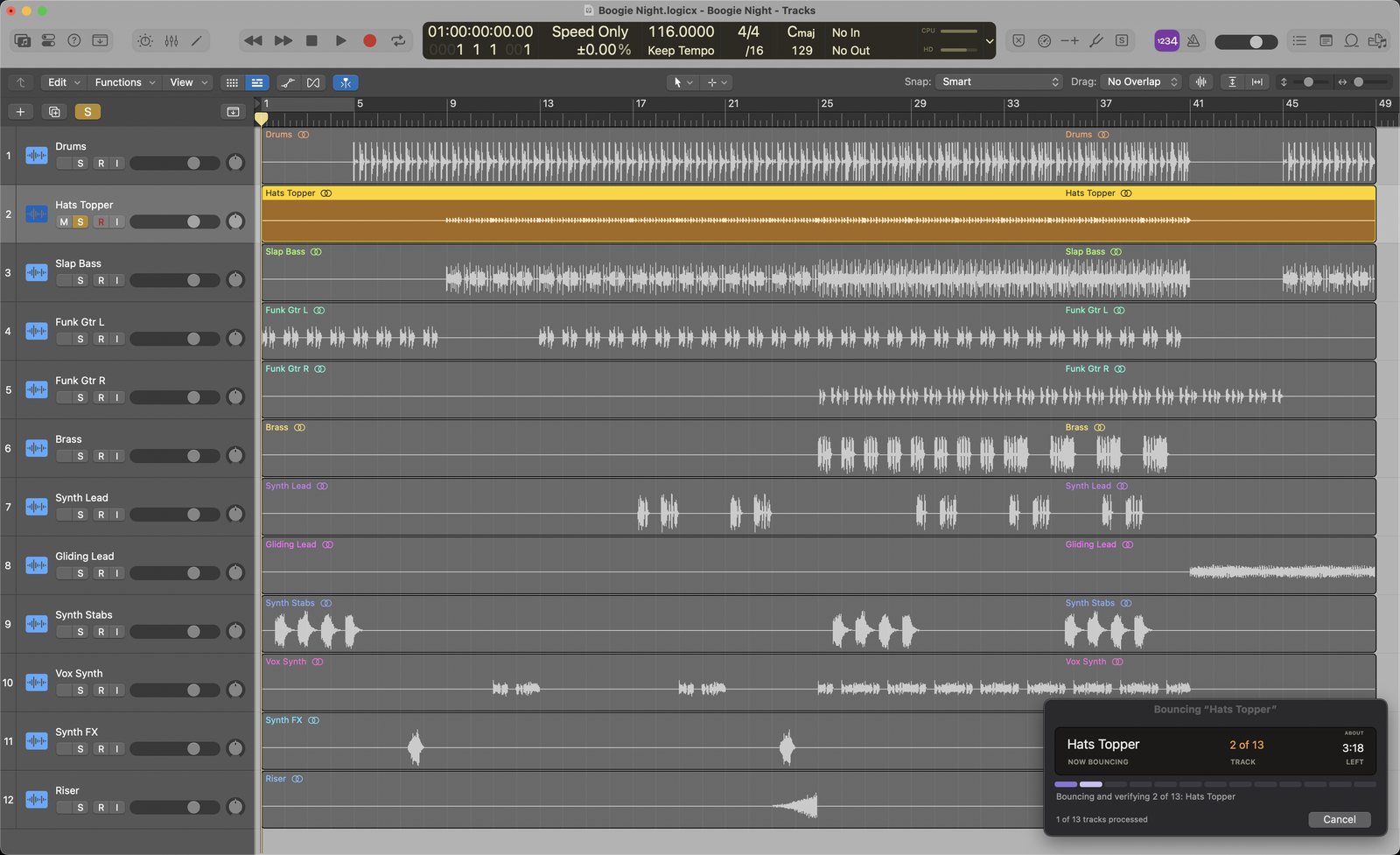
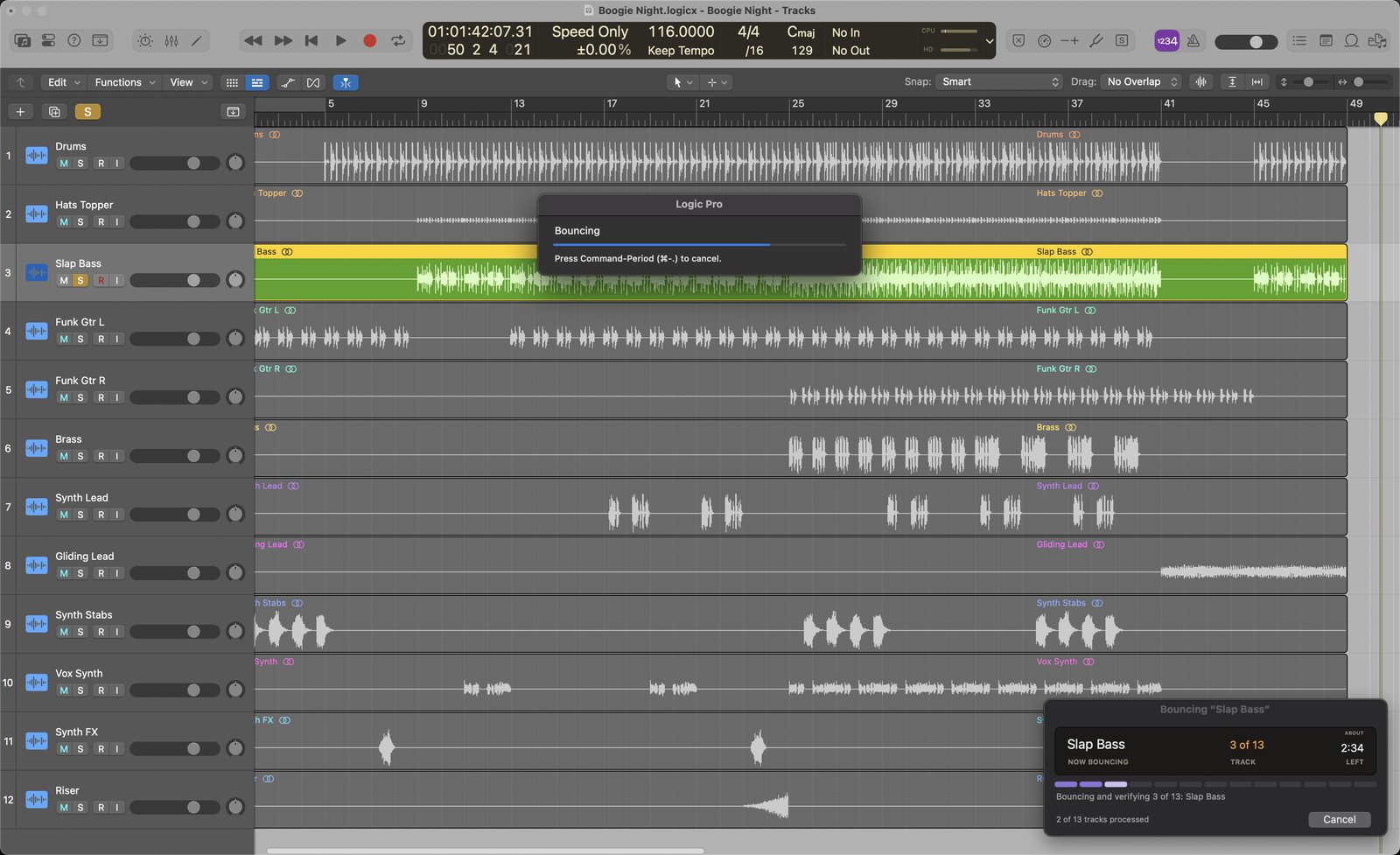
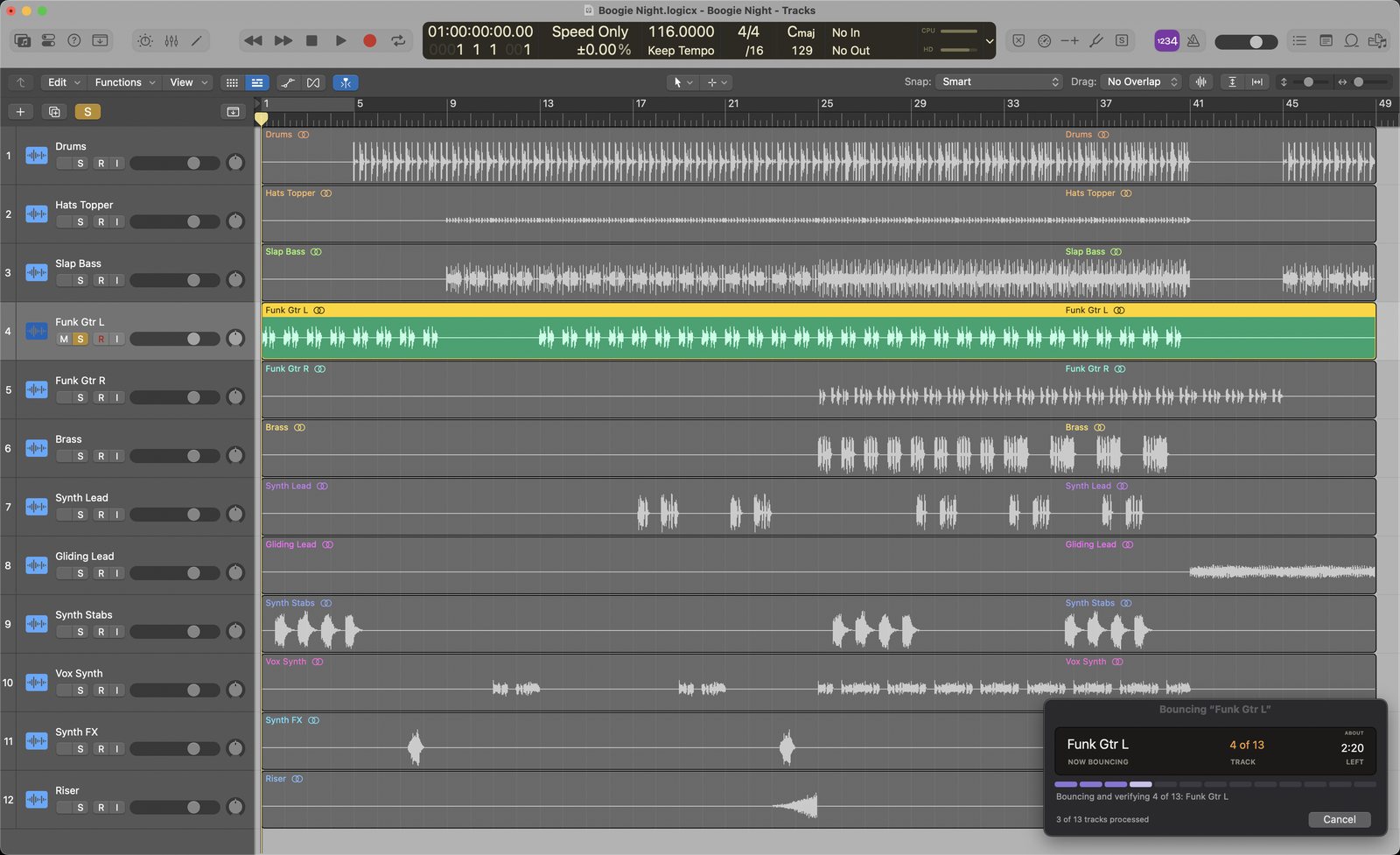
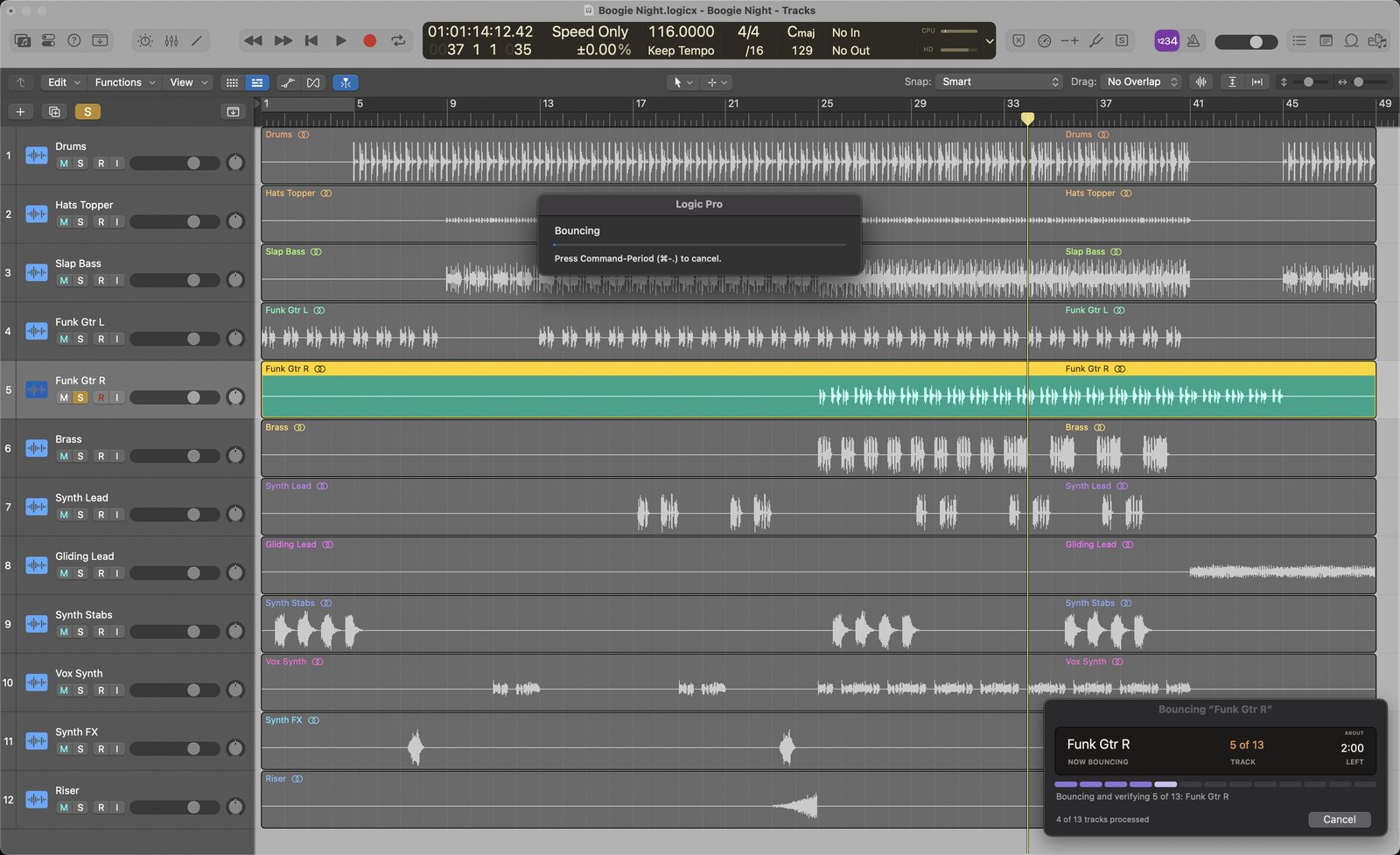
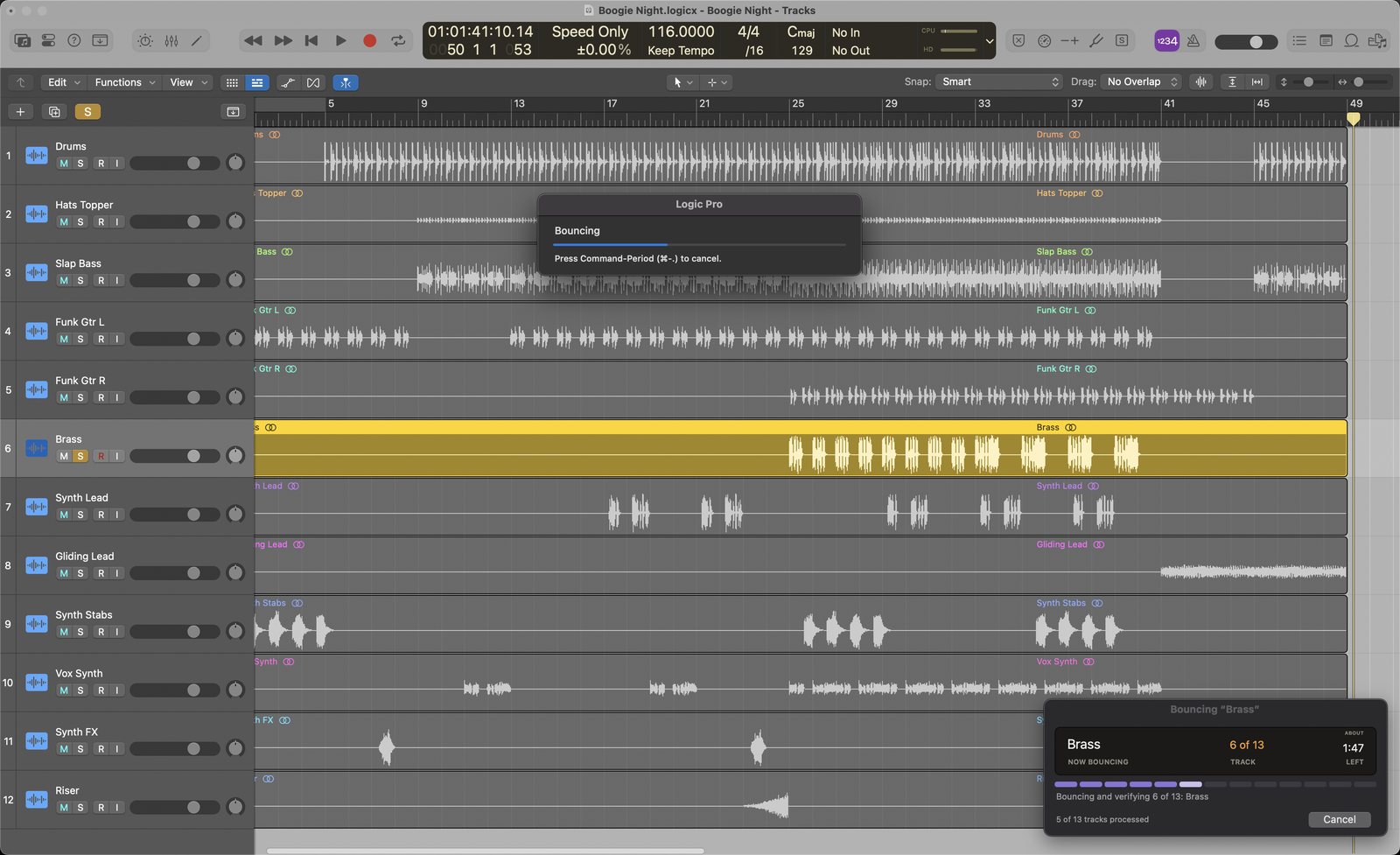
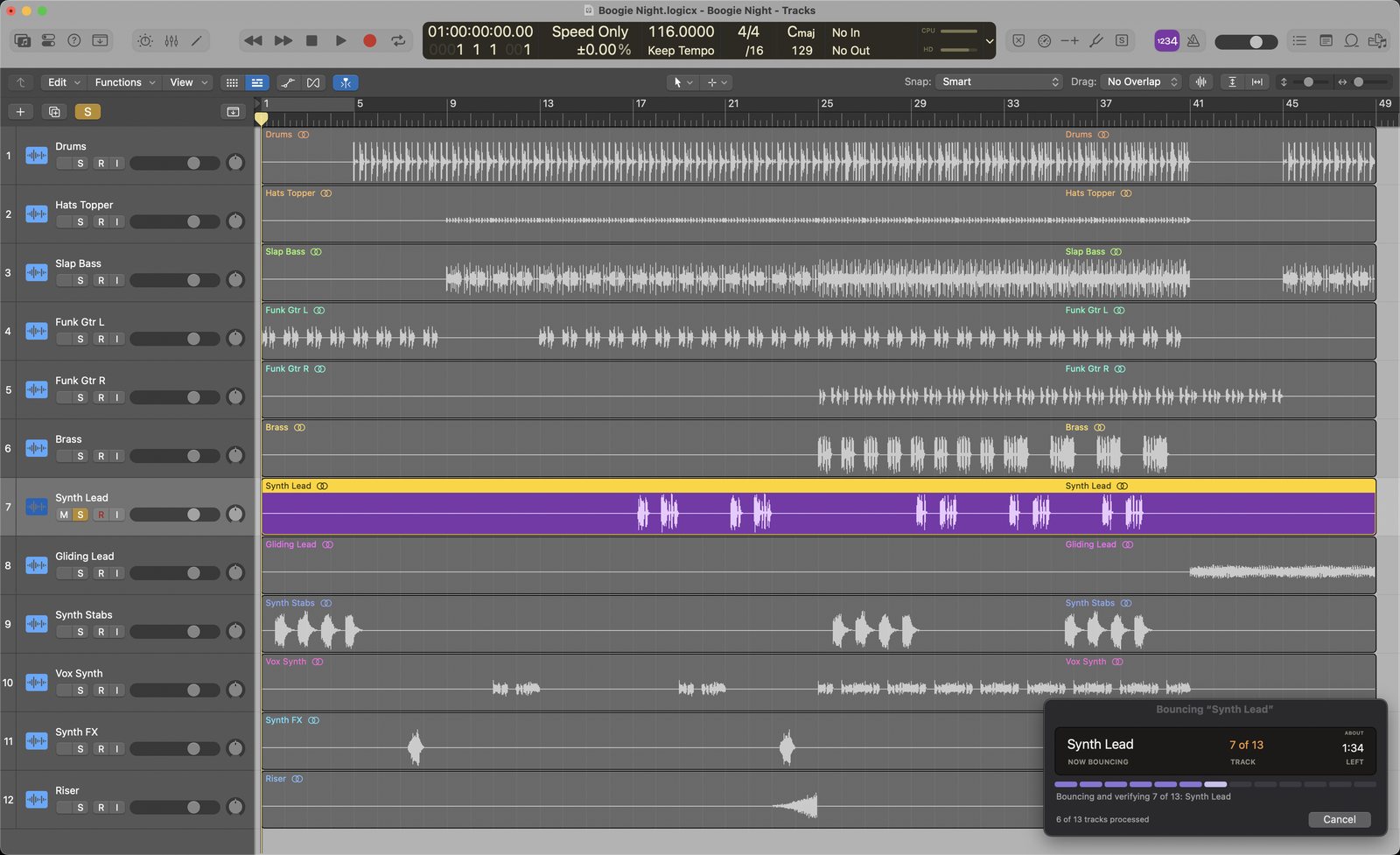
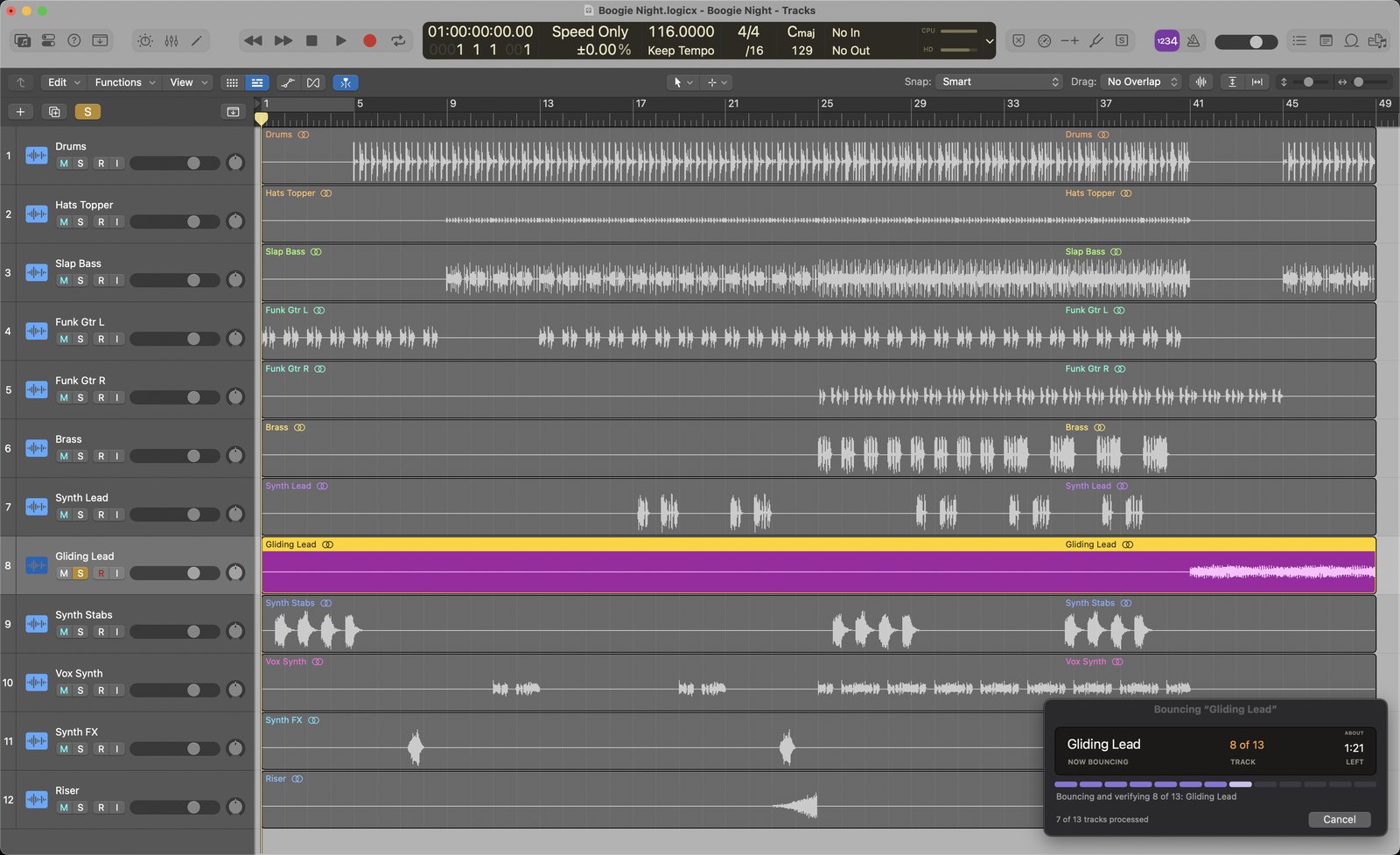
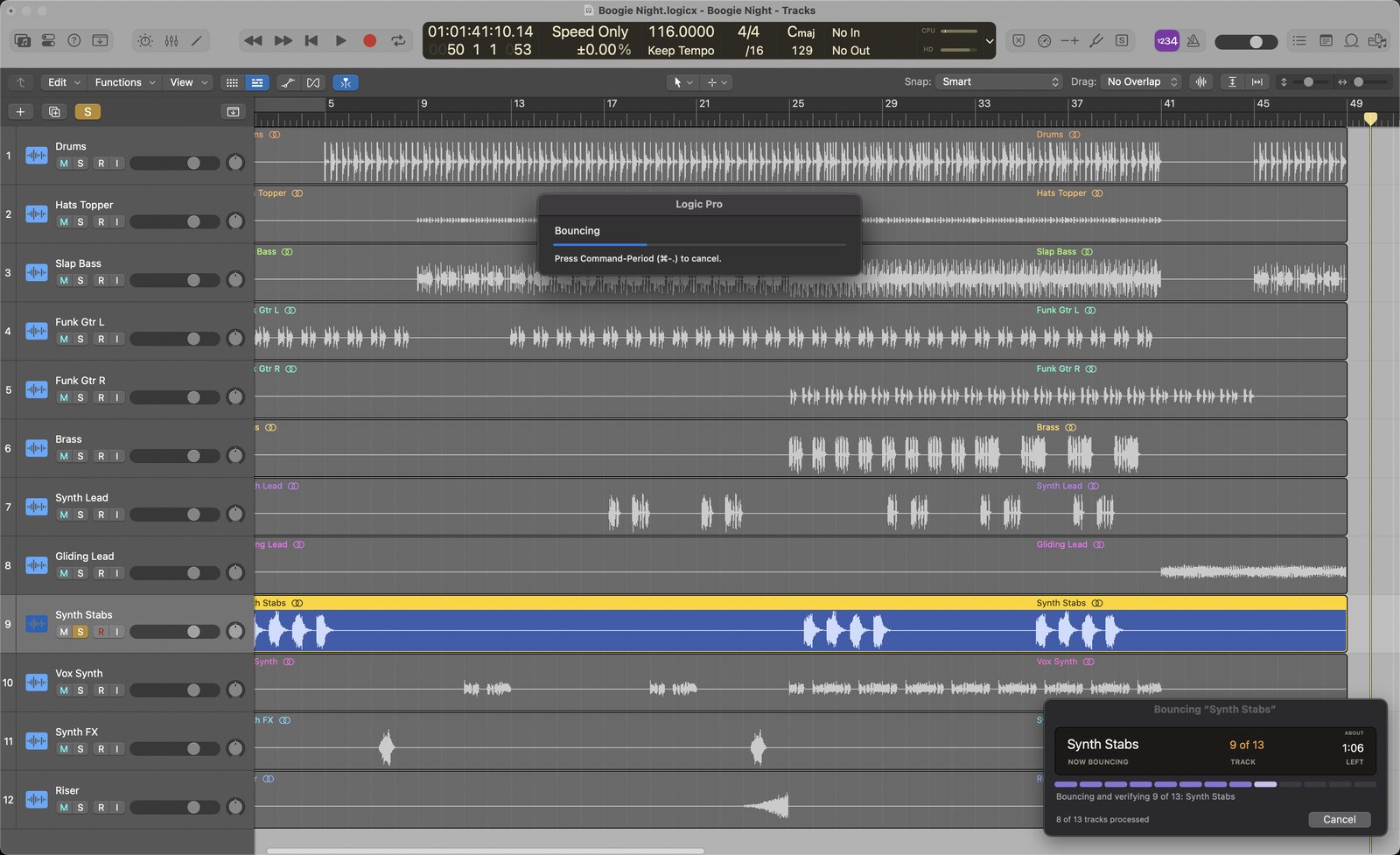
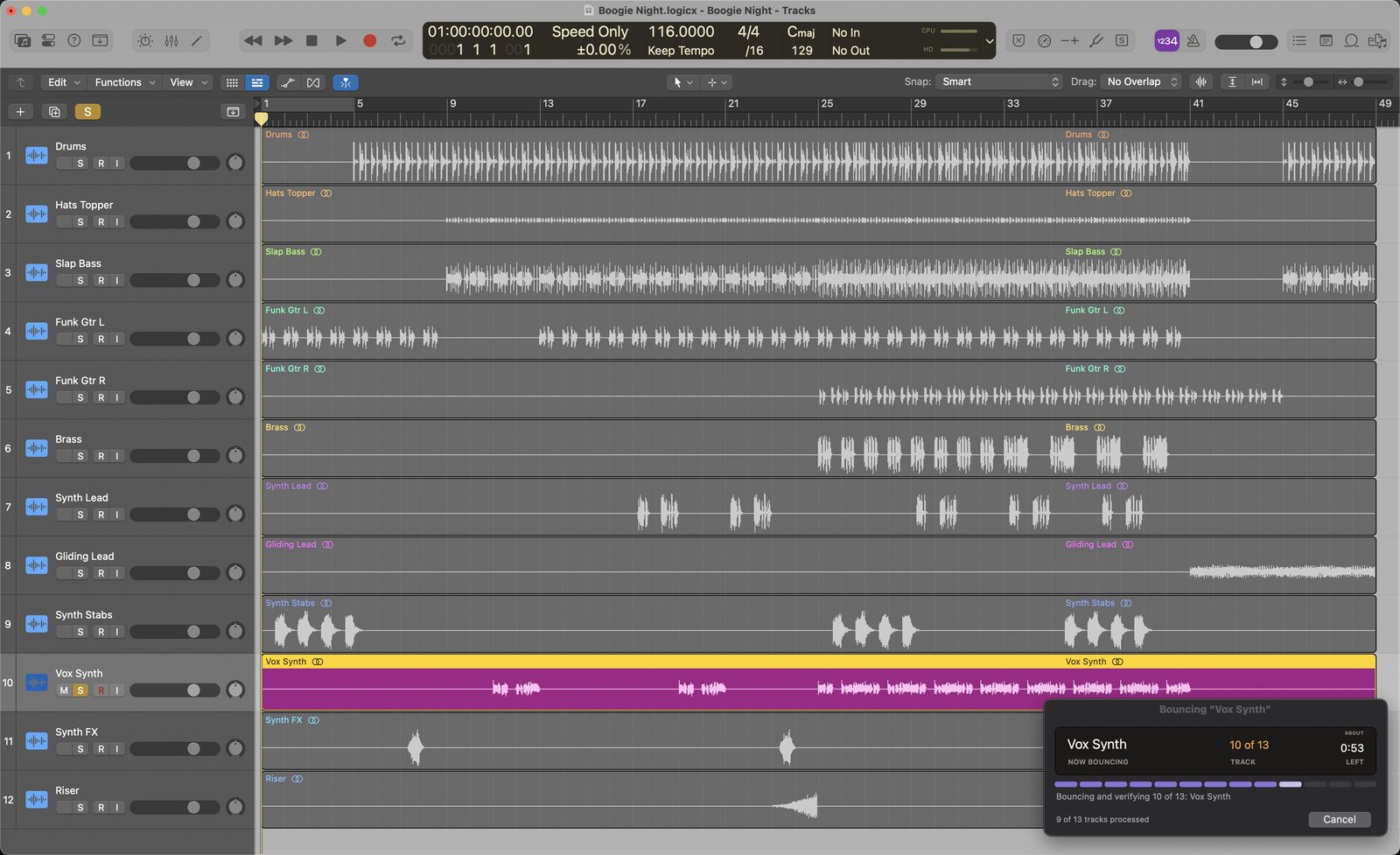
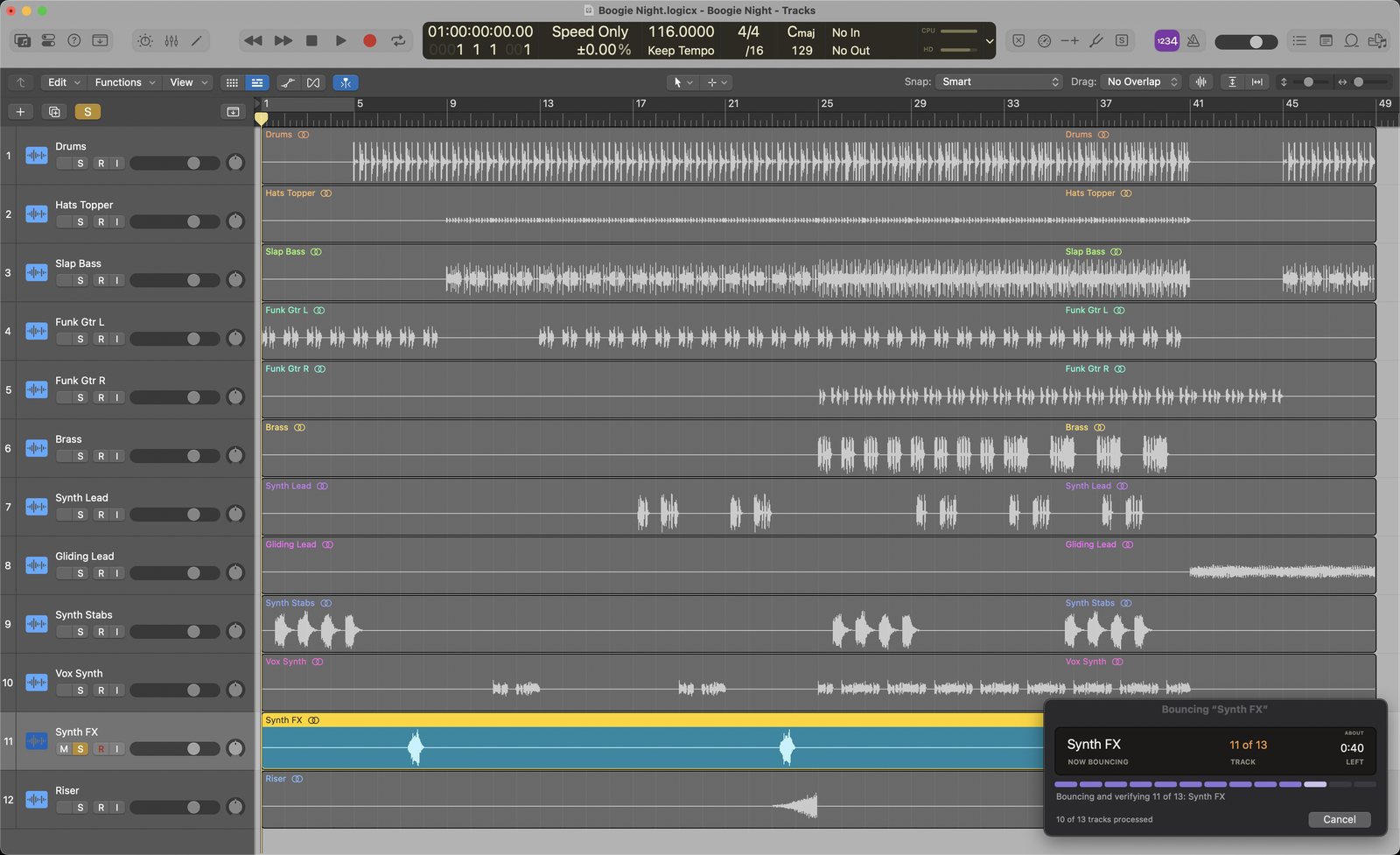
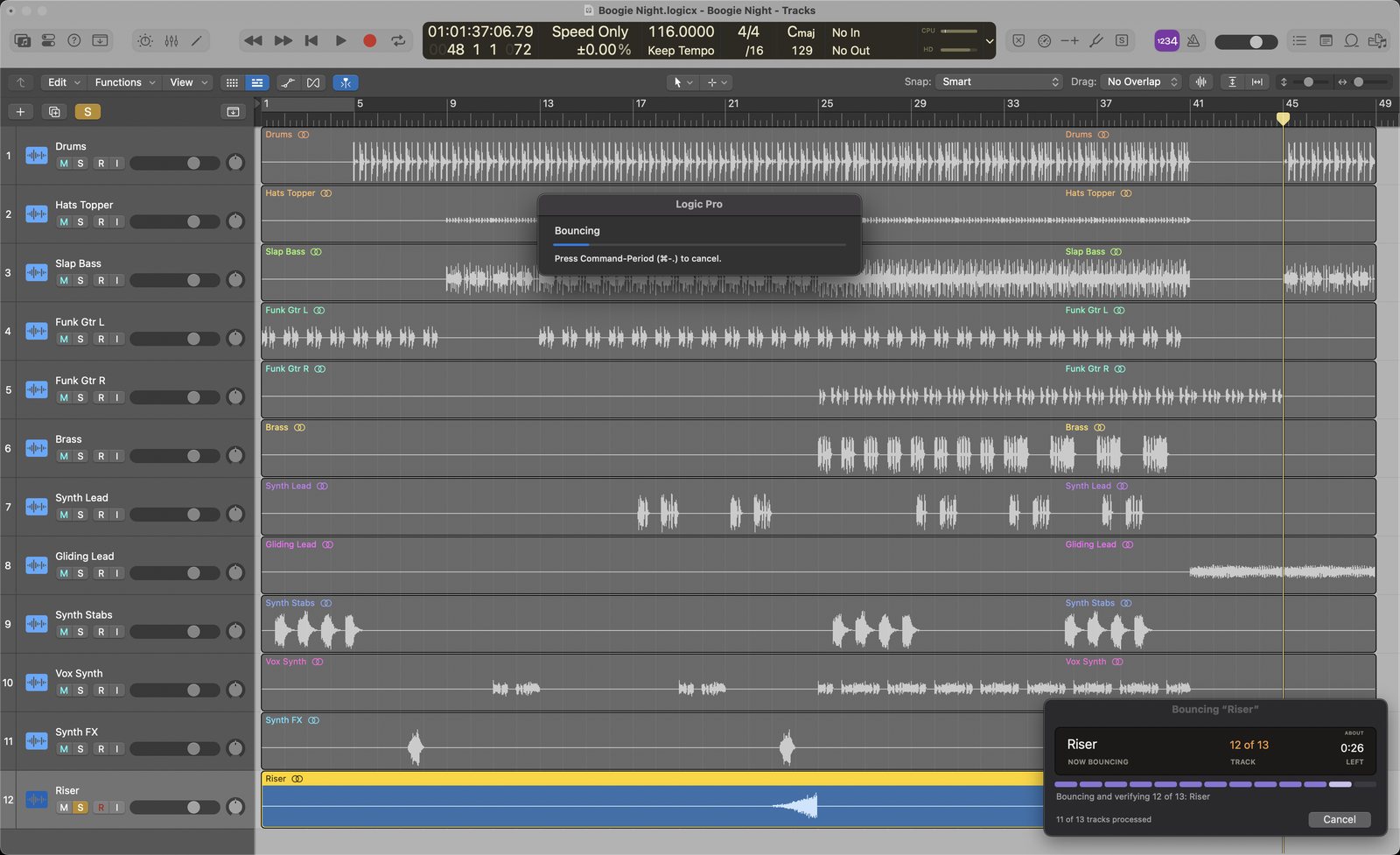
Stem Buddy solos each track and runs Logic's own Bounce, the same way you would by hand. Add mixes like Drums or Instrumental to the same run. Every file is named after its track, and you get a text when the last one's done.
$40 launch price, then $60. One payment. 14-day refunds.
How it works
You click Bounce Stems. Stem Buddy does the rest.
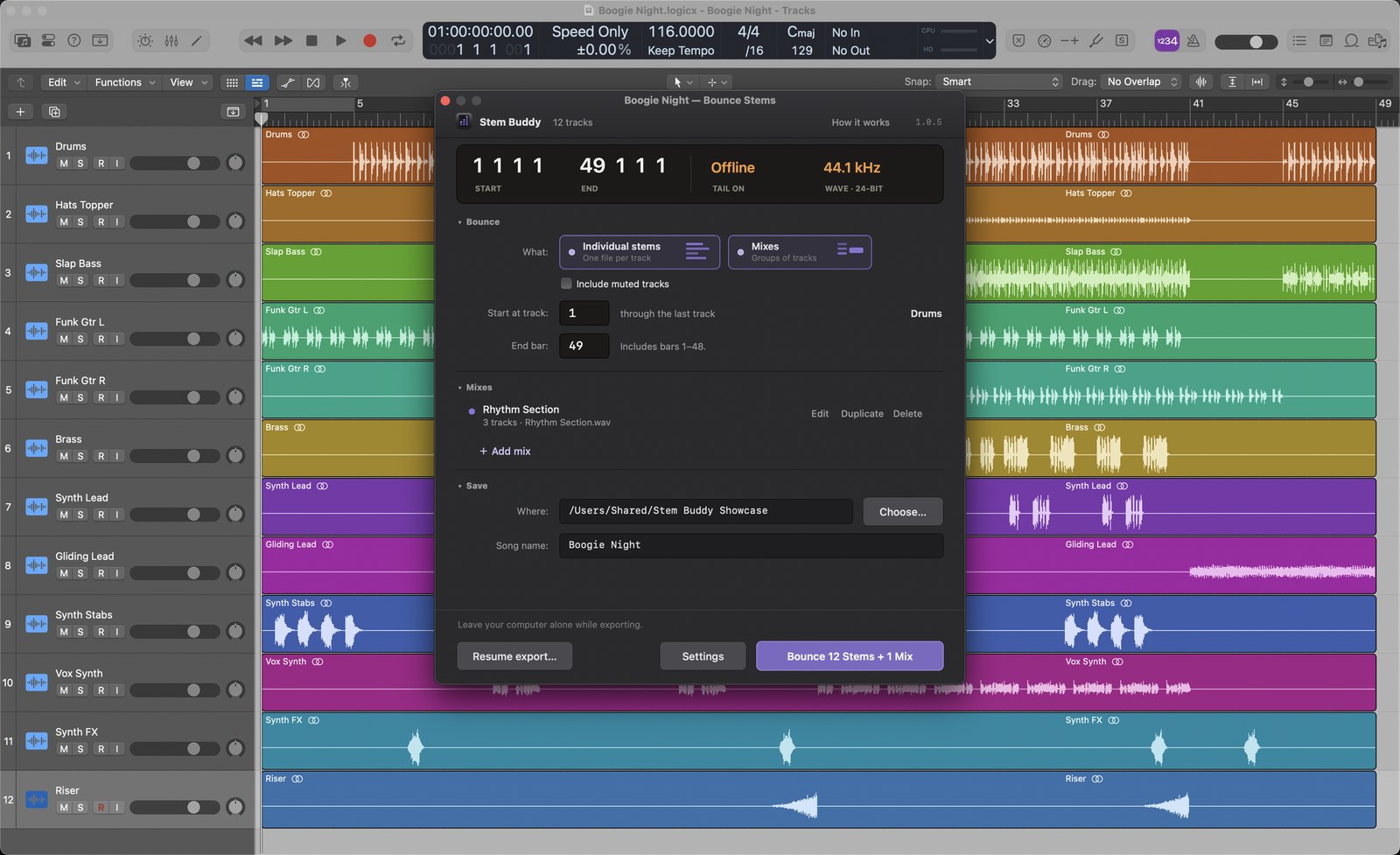
1 Pick your tracks
All of them, a range, or a saved mix. Muted tracks are skipped unless you include them.
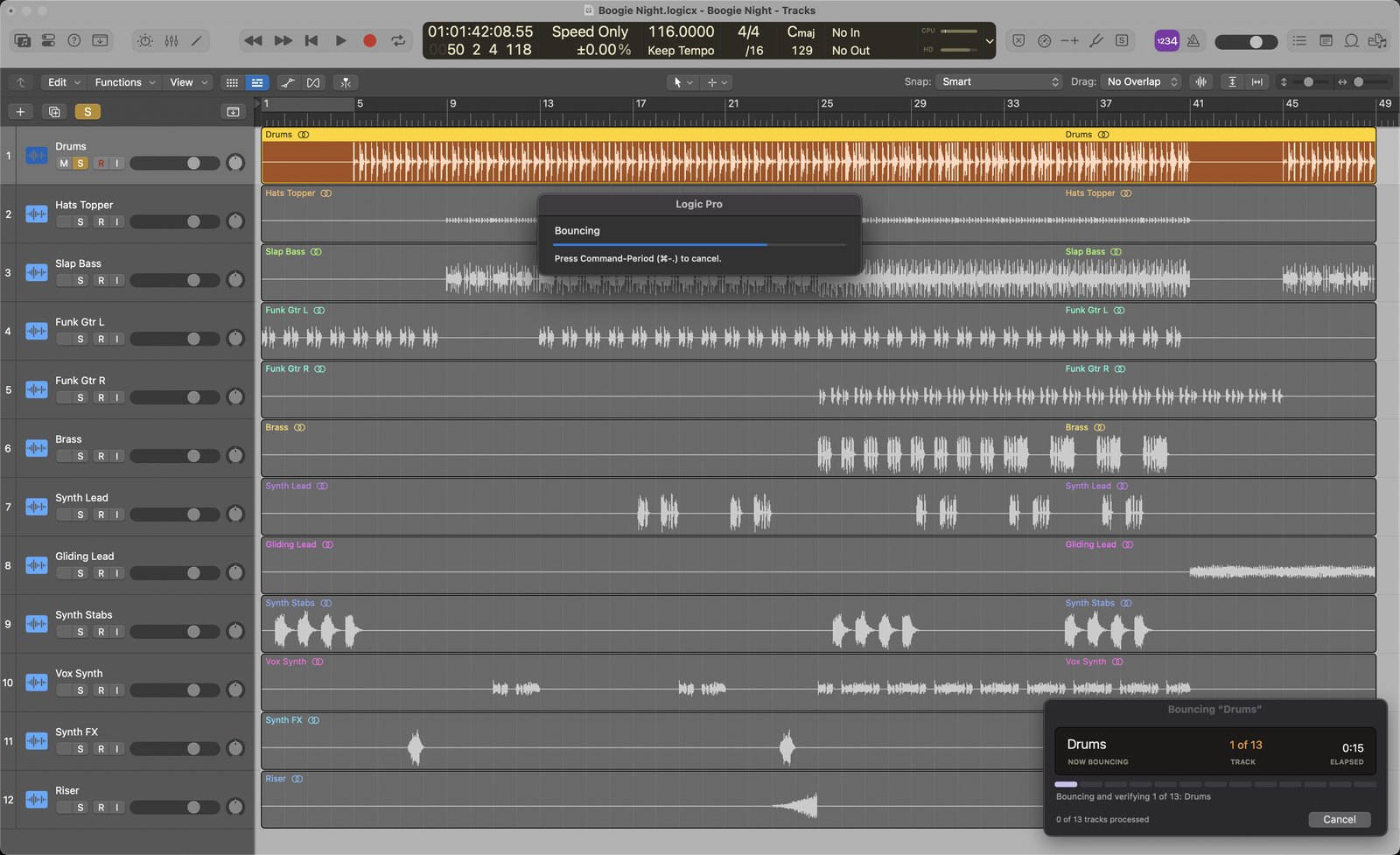
2 Walk away
Each track is soloed, bounced and checked. The panel shows the current track and the time left.
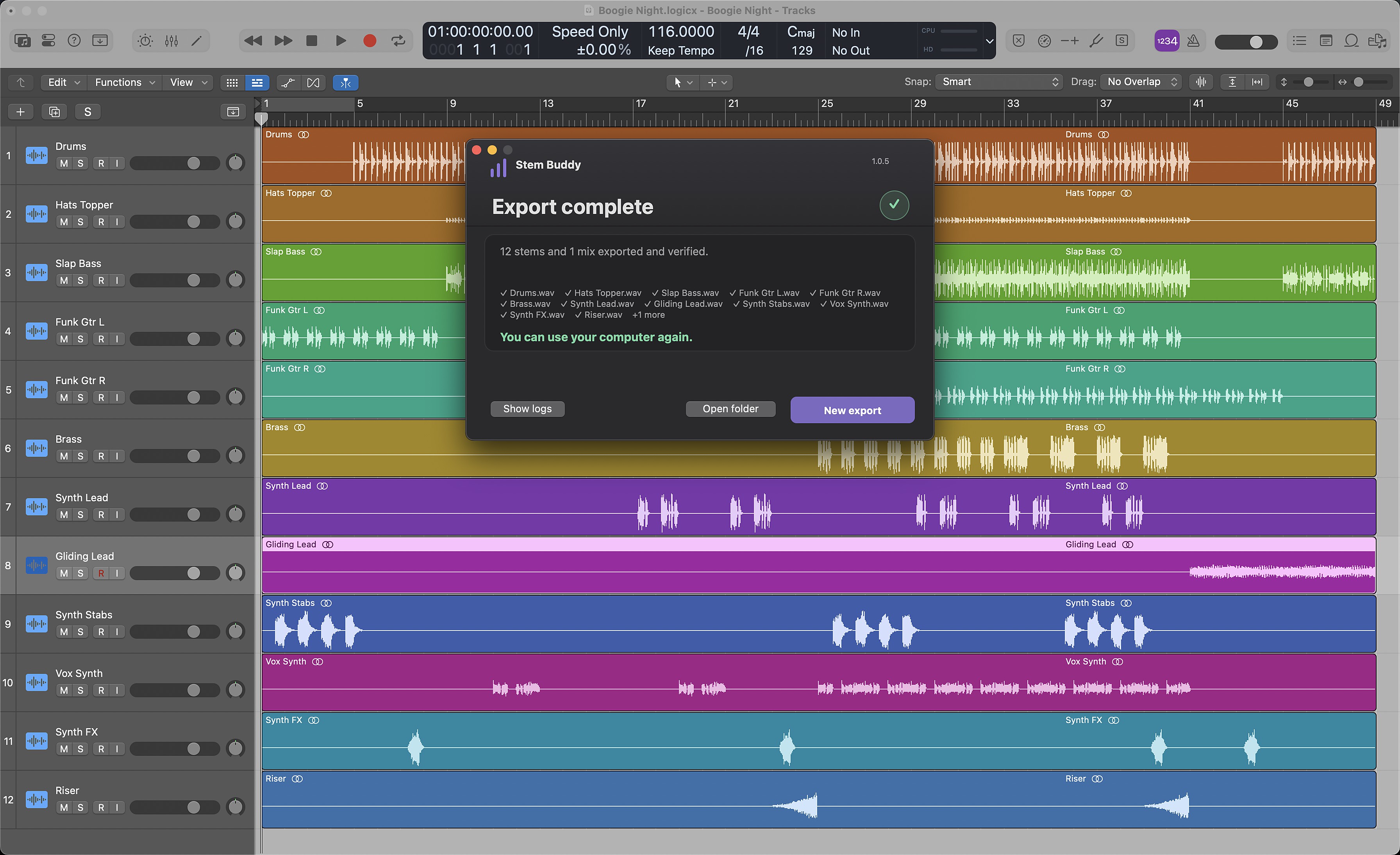
12 stems and 1 mix exported and verified.
3 Get a text when it's done
An optional text or email arrives when the last file is done. Every stem and mix is saved as its own named WAV.
What Export All Tracks as Audio Files leaves behind.
Logic’s quick way to print stems is File › Export › All Tracks as Audio Files. It’s fast, but here’s what it misses.
Price
Pay once. Keep it forever.
Launch price for the first 30 days, then $60.
- Every future update, free
- 14-day refund, no questions asked
Try it free for 7 days
Everything but text alerts, starting from your first bounce. Just your email. No account and no card.
Needs macOS 14 Sonoma or later and Logic Pro. Tested so far on an Intel Mac with Logic Pro 11.
Questions
Before you buy
Can I use my Mac while it bounces?
Not during the export. Stem Buddy works Logic's windows for you, so leave the mouse and keyboard alone. If anything changes underneath it, it stops safely and you can resume later.
Does it change my project?
It does what you'd do by hand: selects tracks, solos them, sets the range and runs Logic's Bounce. It never edits mutes or automation, never saves your project, and puts Solo back the way it was.
What happens to muted tracks?
They're skipped by default. Tick “Include muted tracks” to bounce them too, without changing any mutes.
How do the texts and emails work?
Turn them on in Stem Buddy › Text/Email Alerts. Texts come from Stem Buddy's own number and only say how the export ended and how many files were made. Long exports also get a heads-up about 10 minutes before they finish. Email alerts work in the free trial; text alerts come with a license.
Does it upload my audio?
No. Your audio and projects stay on your Mac and there's no account. Stem Buddy sends anonymous usage counts, which you can turn off, and checks for updates.
How do updates work?
Every update is free, forever. Stem Buddy checks about once a day and asks before installing. Updates take a few seconds and keep its macOS permissions.
Why does it need Accessibility permission?
macOS requires it for any app that operates another app. The first screen walks you through it.
Can I get a refund?
Yes. Email us within 14 days of buying for a full refund.